Master Midjourney in 7 Days
7 Days to Midjourney Mastery
No fluff. Just practical steps to go from "WTF is Midjourney?" to "Damn, I made this?" A guide for people who want AI-generated visuals that don't look like generic Instagram wallpapers.
Register & Get a Grip
No account, no art. Simple as that. Start by signing up for a Midjourney subscription. Then, dive into the art fundamentals to build a strong foundation.
Essential Setup
Art Fundamentals
Study the basics:
These fundamentals will help you create visually appealing and well-structured AI art. Click on each topic to learn more.
Play with Prompts Like a Mad Scientist
One sentence, infinite outcomes. Test these sliders like you're messing with a soundboard. Experiment with different parameters to see how they affect the generated art.
Prompt Parameters
--ar 16:9 or --ar 1:1 cinematic vs. square --s 1000 MJ takes creative control --weird 300 the right kind of strange --v 6.1 stops MJ from playing it safe Experimentation Tips
One prompt. 10 variations. Observe. Adjust. Repeat. Document your findings and refine your prompts to achieve the desired results.
The Secret Sauce? sref.
Midjourney defaults to "pretty but generic." If you want vibes, use sref. Style references allow you to guide the AI towards a specific aesthetic.
Personalization
Teach Midjourney YOUR aesthetic with built-in personalization. Customize the AI's output to match your unique style.
How it Works
2. Pick your preferences
3. MJ learns your style
4. Get personalized results
Style Options
→ Dreamlike: soft, surreal styles
→ Minimalist: clean, structured images
→ Experimental: glitchy, chaotic visuals
Mixing is Never Enough
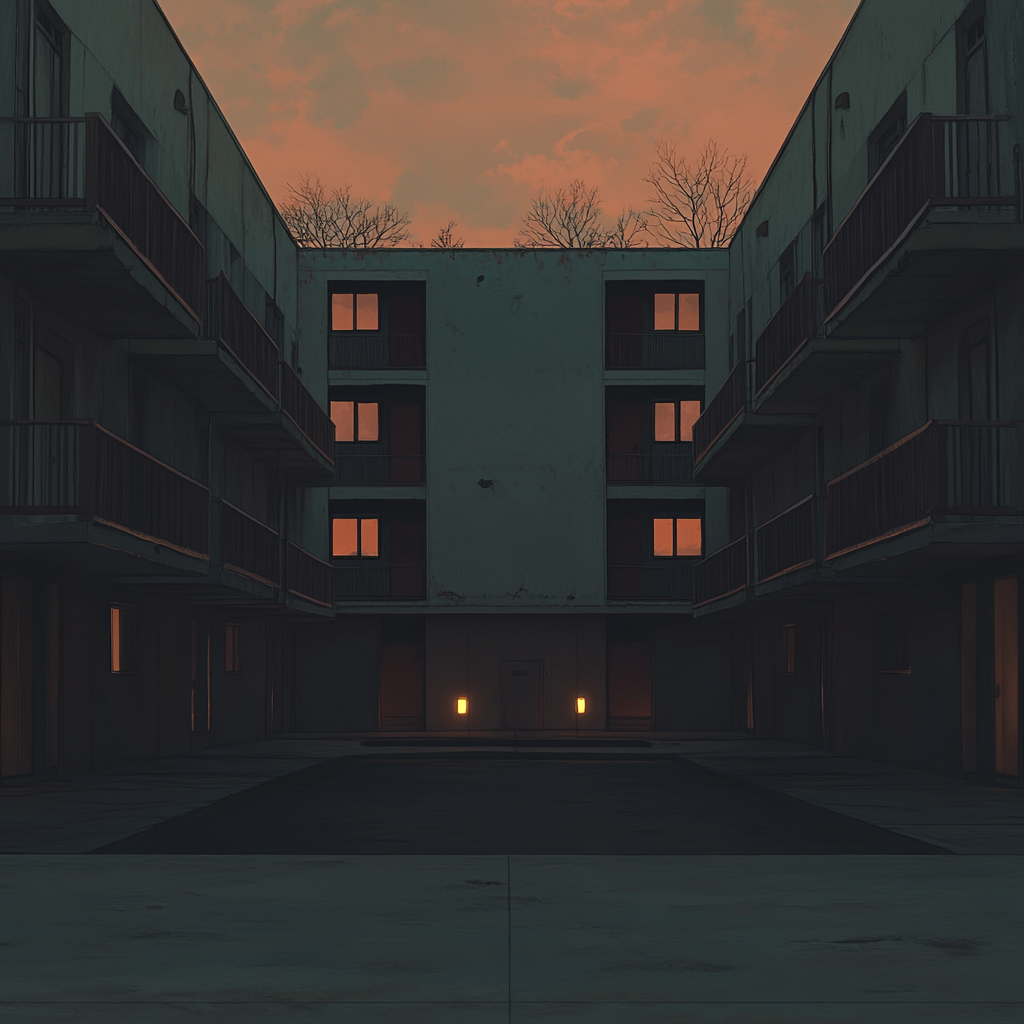
Good artists copy, great artists remix MJ settings. Blend different style references (srefs) to create unique and compelling visuals. Use multiple srefs in a single command to achieve the desired effect.
Style Mixing Tips
Use the following command to blend multiple srefs:
[your prompt] --sref1 [style1] --sref2 [style2] --sref3 [style3] Experiment with different combinations to find what works best for your style. Document your findings and refine your prompts to achieve the desired results.
Style Mixing Examples
→ See a vibe you like? Test their settings
→ Experiment with different combinations
→ Document what works for your style
Reverse Engineering 101
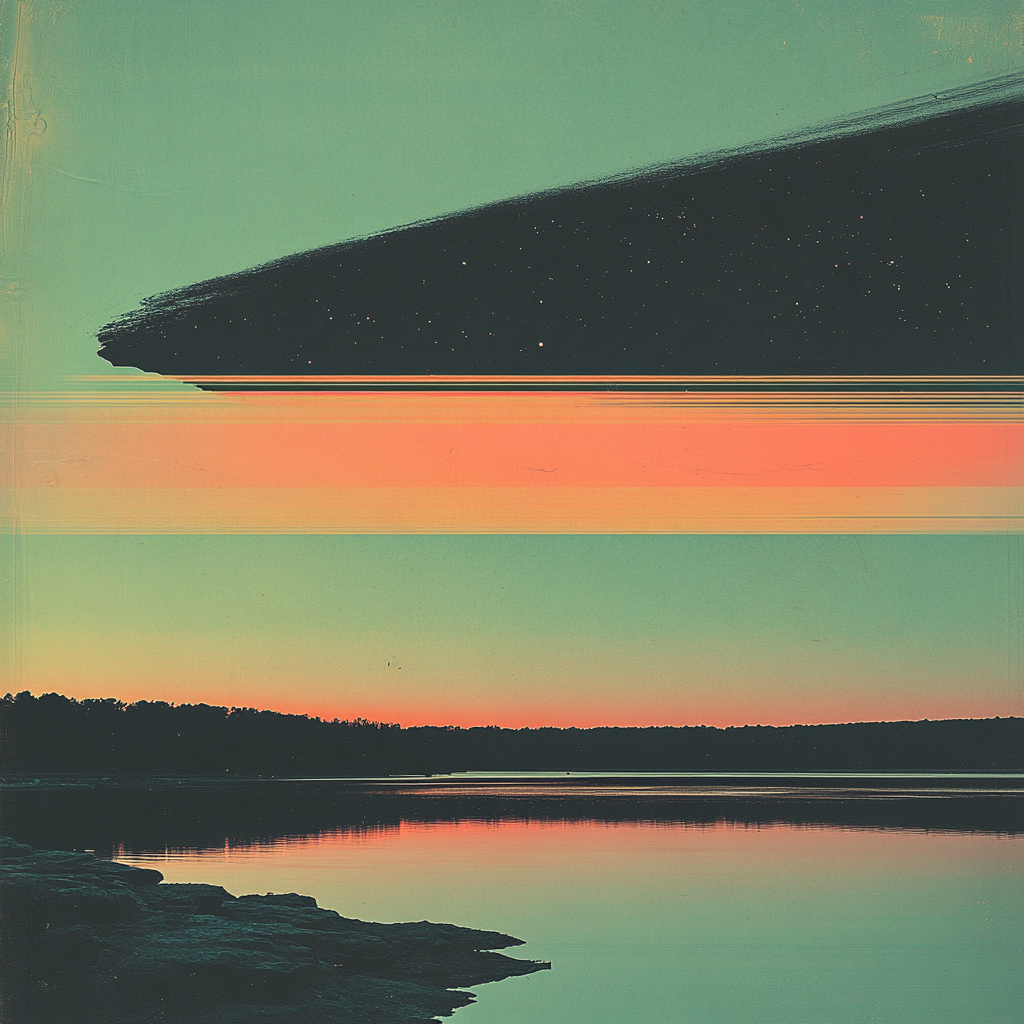
You like an image? Steal the formula. Use the /describe command to deconstruct images and understand their key characteristics.
Using /describe
1. Drop an image into Midjourney
2. Use the /describe command
3. Get the main image characteristics
4. Deconstruct, tweak, and improve
AI learns from you. You learn from AI. The loop continues.
Steal Like a Digital Alchemist
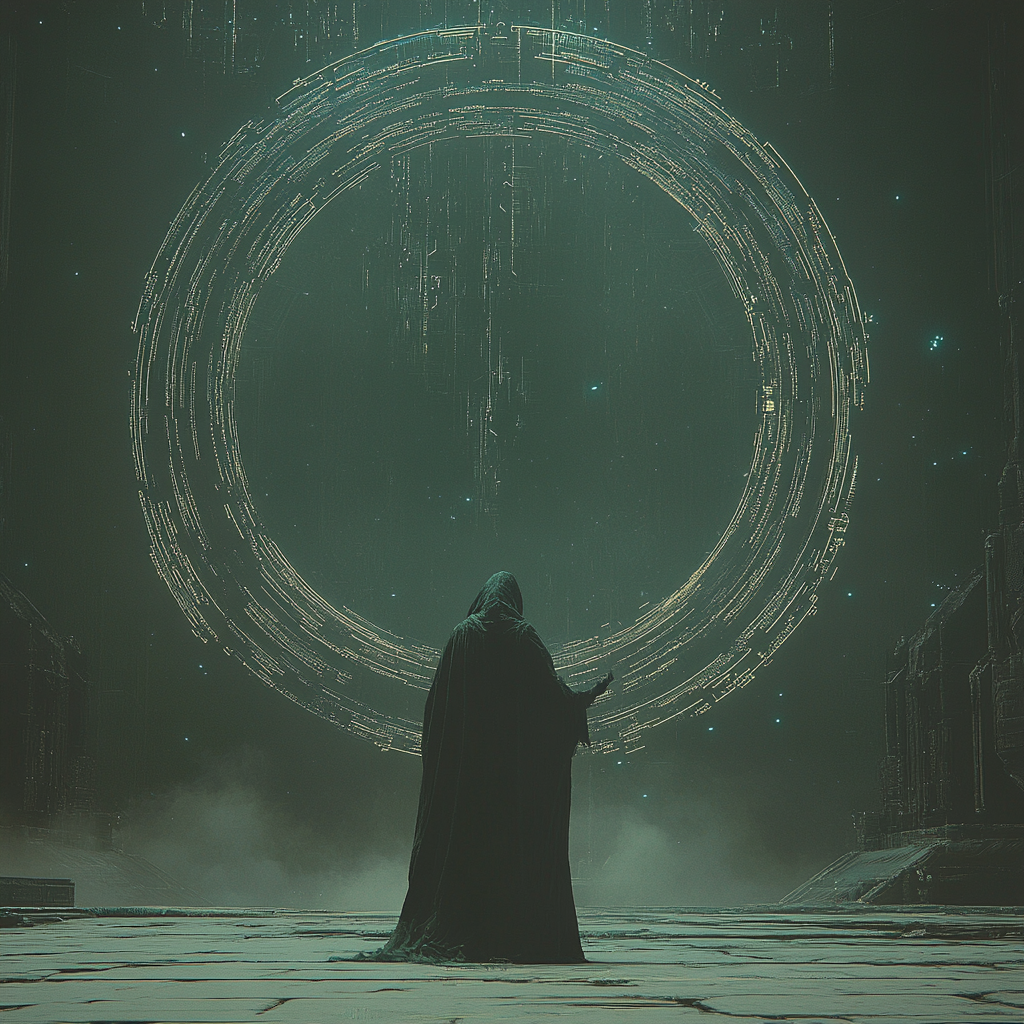
Create personalization based on your own image uploads. Use moodboards and profile references to guide the AI towards your desired aesthetic.
Profile References
1. Create your profile
2. Get your profile reference
3. Share or use others' profiles
Bonus: ChatGPT Integration
The Ultimate Prompt Booster
Struggle to describe a scene? Let AI help AI.
"Make this more cinematic: [prompt]" "Rewrite this in a poetic way:" "Turn this into a futuristic dystopian prompt:" Prompt engineering = high-level cheating
Bonus: Join the Community
Now What?
1. Keep experimenting
2. Join art/acc to share your creations
3. Don't settle for generic AI art—push it further